
Wedding photo app for your guests
WeddingPhoto App: one upload link for your guests
Give guests one QR code for photos and videos, with no app to install or account to create. Control gallery access and download originals. From $39 USD.
Short answer
WeddingPhoto App collects your guests’ chosen photos and videos through one QR code or link. The upload page opens in their browser without installation or a guest account. You manage the gallery and download the original uploaded files as a ZIP before your storage period ends.
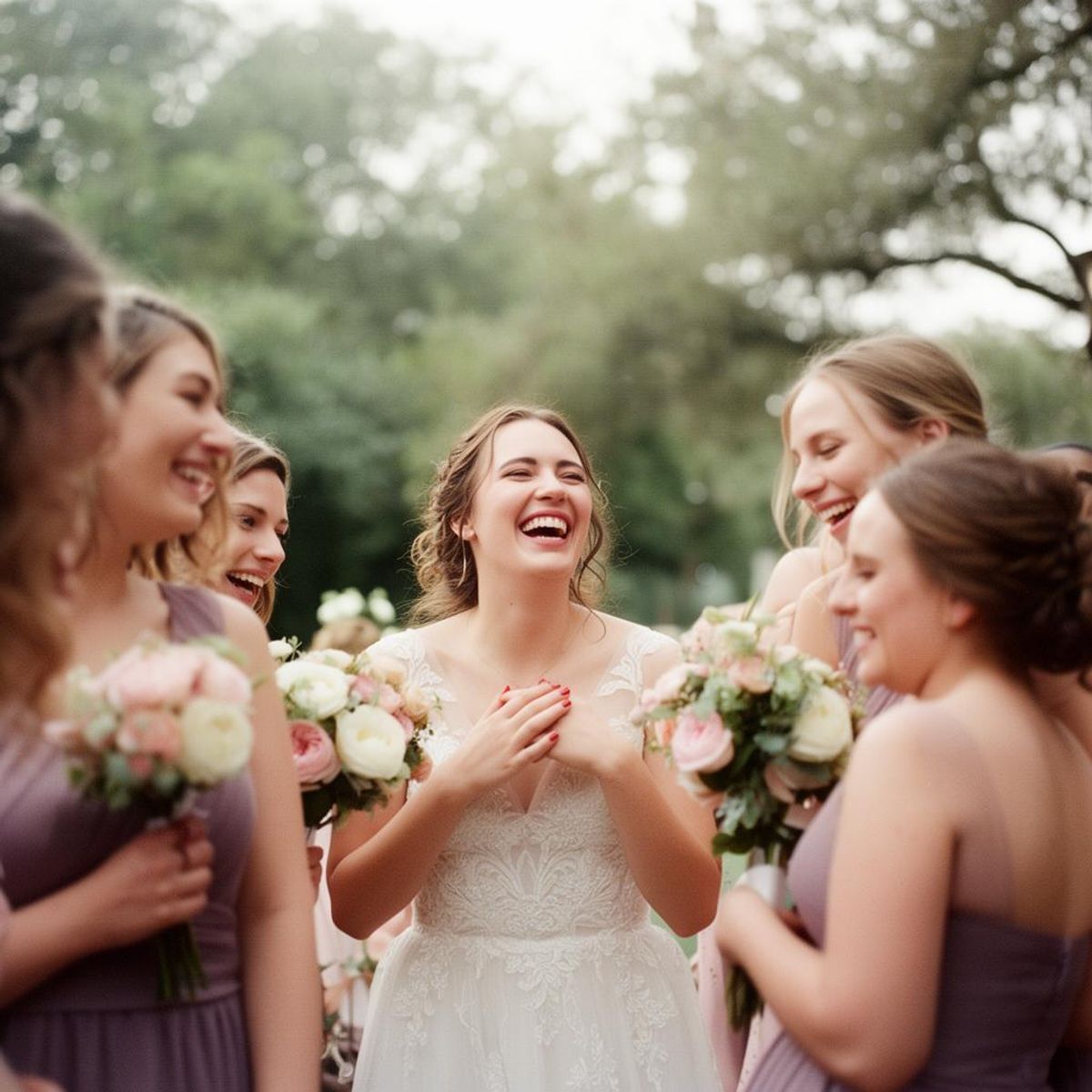
The guest experience, from invitation to confirmation
- Scan or tap: guests scan the code on a table card or tap your link in a message.
- Choose: they open the upload page and select the photos and videos they want to share. Nothing is taken automatically from their camera roll.
- Send: they upload the files and keep the page open until the result appears.
- Return: they can add more later while your upload window remains open.
You can ask for the uploader’s name, but guests do not need to register an account. If the venue has poor reception, they can use the same link at home. A short printed instruction and a visible link give guests a clear next step. Use the photo QR sign maker to prepare the printed invitation.
For a mixed-language guest list, the language selector lets guests choose their interface independently of the host. Try the instructions in the languages your family will use as part of the printed-card rehearsal.
Multiple files, partial failures and original downloads
Guests can choose several photos and videos in one selection. WeddingPhoto App transfers them in sequence with per-file progress. If part of the batch fails, the result separates successful and failed counts and keeps the failed files selected for another attempt while the page remains open. Keep that browser tab open; this is not offline or background upload.
Before inviting everyone, send a small mixed batch over the kind of connection your venue provides. Confirm the same number of files in the host gallery, download the original ZIP, and compare dimensions, file sizes and any metadata you need. Play a video with sound. Save a second copy before the plan's storage deadline.
Try the guest upload preview →
What you control as the host
| Control | What it does | When it helps |
|---|---|---|
| Private gallery | Keeps viewing with the host while guests can still contribute | Collect first and choose what to share later |
| Gallery access by link | Lets people with the event link view available uploads | Share the album with your wedding guests |
| Moderation | Holds new uploads for review before guest display | Review contributions before a gallery or slideshow shows them |
| Downloads | Controls guest downloads from a shared gallery | Choose how guests receive copies |
| Photo/video switches | Enables or pauses each kind of contribution | Pause collection or accept only the files you want |
A shared link can be forwarded. Share it with your intended audience, and review the settings before posting it widely. A gallery that is kept out of search results is not the same thing as a personally authenticated invitation.
Check the part of the workflow that matters to you
You do not need to learn every setting before choosing. Start with the point most likely to affect your guests or your final handoff:
- See how uploads work without a guest login, including the difference between link access and verified identity.
- Plan how to collect wedding videos when larger files and venue reception may slow an upload.
- Prepare and test the wedding photo upload QR code before it reaches the printer.
- Walk through the six-step guest experience checkliston a phone you did not use for setup.
- Check photo and video upload handling for multi-file selection, transfer feedback and failed-file retries.
- Keep the photographer's deliveryseparate from candid guest files and confirm the rights for each collection.
Choose the package around your timeline
All current packages include unlimited guests and photo/video uploads within their deadlines and technical usage limits. The differences are event count, upload window, storage time and slideshow access. Prices below are one-time USD amounts; checkout shows final payment details.
- Intimate: $39. 1 event; uploads until 15 days after the event; 2 months of storage after the event. No live slideshow.
- Celebration: $59. 1 event; uploads until 45 days after the event; 6 months of storage after the event. Live slideshow included.
- Forever: $89. 3 events; uploads until 180 days after the event; 12 months of storage after the event. Live slideshow included.
Check current pricing before purchase. If you are setting up an album after the wedding, use the real event date and confirm that the chosen upload window has not already ended.
Keep the files, not just the link
The service stores uploaded files without additional compression. It cannot restore quality already lost when a photo was edited or sent through another service. Download a test photo and video, then compare them with the files you uploaded. Large ZIP collections need time to prepare and transfer.
Set a reminder before storage expires. Keep an untouched copy of the download and a second backup elsewhere. If you want to share professional photographs too, check your photographer’s delivery and sharing agreement before uploading them.
Prepare the cards and the follow-up
Print “Scan to add your photos and videos” beside the code, followed by “No app or guest account needed.” Ask a relative who did not set up the gallery to try the printed card. Check it on an iPhone and an Android phone, over cellular data, and with larger browser text. Guests choose their files; scanning never takes photos from their camera roll.
Place cards at reception tables or in a lounge rather than encouraging phones during vows. Tell guests whether their uploads will be visible to other attendees. If reception is weak, send the same link the next day and include the upload deadline. Keep the page open until it confirms the transfer; returning later does not mean an interrupted file already arrived.
Use our QR code for wedding pictures guide for setup and sign wording, then follow the wedding photo collection plan. If you need a broader shortlist, the best wedding photo sharing app guide compares published workflows and links to provider sources.
Questions before you start
What is a wedding photo sharing app?
It is a service that collects wedding photos in a shared event album. WeddingPhoto App uses a QR code or link to open browser uploads, so guests do not install an app or create an account.
Can guests upload wedding videos too?
Yes. Every current WeddingPhoto App plan supports photos and videos. Hosts can disable either media type in event settings. Guests need an internet connection and must wait for the upload confirmation.
Are uploaded photos automatically visible to other guests?
No. The gallery starts private. Hosts can open it to people with the event link and can require review before new uploads appear. Download permission is a separate control.
Does WeddingPhoto App keep photos forever?
No. Storage lasts two months, six months or one year after the event, depending on the plan. The Forever package includes one year of storage, not permanent archiving. Download and back up your files before expiry.
Make the ask easy
Collect the photos guests actually took.
Give guests one QR code, let them upload from the browser, and keep the gallery under your control. Photos, videos, late uploads, and one download when you are ready.
Learn more about WeddingPhoto App as a wedding photo sharing app for guests.
Updated .