
Reviewed 2026-09-26
Best Wedding Photo Sharing Services With No Download
Compare six browser-based wedding photo services by guest accounts, videos, privacy, exports and deadlines. Follow the path from QR scan to gallery.
Short answer
WeddingPhoto App, GUESTPIX, Pix Wedding, Kululu, WedUploader and Dropbox file requests accept guest files through a browser. None requires guests to install its app for this workflow. Choose a hosted gallery for shared viewing, a Drive-connected service for your own storage, or a file request for collection only.
“No app” means no guest download, not no service. The host still sets up a collection. WeddingPhoto App publishes this guide; provider documentation was checked September 26, 2026. The dated demo observations below remain separate from those published claims.
Four ways to share wedding photos without an app
No download describes how you open a service, not who can contribute or where the files end up. Pick a method first, then compare the services below.
- Dedicated wedding gallery: an event link combines collection and optional shared viewing. Check moderation, original export and the last upload date.
- Cloud file request: an upload inbox can accept files without showing other submissions. The host handles available storage and creates a viewing album separately.
- Collaborative web album: a familiar place to browse together, but contributing may require a photo-service account. Test a phone outside your own ecosystem.
- Direct transfer or messages: practical for a few relatives sending specific pictures. With a full guest list, saving and sorting scattered attachments becomes your job.
A browser still needs permission to open the phone's photo picker and a working connection to send files. Guests can return through the same link while uploads remain open. A native event app may suit a broader schedule or messaging brief; it adds installation to this one-off collection task. For our own product, inspect WeddingPhoto App for guests.
Compare the destination after the QR scan
| Option | Guest contribution | What to check |
|---|---|---|
| WeddingPhoto App | Select photos and videos in the browser; no guest account | Gallery visibility, review settings and upload deadline |
| GUESTPIX | Private link or QR code with no guest registration | Your package’s album, guestbook and hosting options |
| Pix Wedding | Browser uploads through a QR code or link; no guest account | Your tier’s upload window, storage period and slideshow access |
| Dropbox file request | Browser file submission without a Dropbox account | A file request receives files; it is not a shared wedding gallery |
| Kululu | QR or link opens a browser album; no registration advertised | Active upload time, file cap and moderation tier for the photo wall |
| WedUploader | Guest browser sends photos and videos to the host's Google Drive | Host Drive connection, available storage and guest viewing settings |
What the no-download promise includes
| Service | Viewing / privacy | Original export | Entry price; upload / storage window |
|---|---|---|---|
| WeddingPhoto App | Private initially; optional guest gallery and review before display | Original uploaded files in ZIP | $39; 15 post-event days / 2 months |
| GUESTPIX | Private-link gallery; Classic lists moderation | Full-resolution ZIP advertised | Classic quote varies by currency; 3 months / 12 months |
| Pix Wedding | Browser album with reveal mode; pre-publication review unverified | Original-quality ZIP on paid plans | $49 Starter promotion; 3 months / 6 months; 20-upload free trial |
| Dropbox request | Private destination by default; no contributor gallery | Files in host folder; check a downloaded sample | Requests on all plans; host quota applies; host can close request |
| Kululu | Album and live wall; Pro moderation per pricing FAQ | ZIP advertised; byte-original guarantee unverified | Free and paid tiers; current amount and plan windows require checkout verification |
| WedUploader | Host Drive storage; shared gallery with display controls | Original files delivered to Drive | One-time paid package; amount did not render; no album expiry advertised |
All six accept photos and videos as files through the described browser route. That does not remove file-size limits or storage quotas. An account-free submission can still ask for a name or password; rehearse your event's settings. WeddingPhoto App's no-guest-login workflow separates uploader names from account registration.
1. WeddingPhoto App: collect privately, then decide what to share
The host creates the event; guests use its QR code or link to add selected files. The host can require an uploader name, so account-free does not have to mean unidentified. If review is enabled, uploads wait for approval before appearing in the guest gallery. Choose this workflow when you want a wedding-specific collection page and host-managed viewing.
What a guest does, and what you receive
A guest opens the event, chooses the upload action and selects existing photos or videos from the phone's picker. Multiple files can be selected. The upload page transfers files in sequence and shows progress; a partly successful batch reports what succeeded and keeps failed files selected for retry. Guests should leave the browser open until it finishes. This does not promise an upload will continue after the browser closes or the phone loses its connection.
Receiving a file and showing it to the wedding are separate actions. You can keep guest viewing off while collecting, turn on review before display, and later open the gallery to people with the link. Guest download permission is another control. That distinction matters if you want to check the dance-floor pictures before sharing the whole collection. A name field helps label contributions, but does not authenticate the person using the link.
Let guests return through the same browser link
Guests can reopen the link later while uploads remain enabled and within the package's collection window. That is useful when reception Wi-Fi is poor: they do not need to keep an installed app to contribute from home. Check the package deadlines against your reminder date; the entry package starts at $39.
2. GUESTPIX: no-download collection alongside invitations and guestbooks
GUESTPIX’s wedding page describes no-registration guest access alongside invitations, RSVPs and guestbooks. Those extras may reduce the number of separate services you need. Check the actual package and try the guest link yourself; a host dashboard preview does not demonstrate a first-time guest’s experience.
Consider the guest invitation as well as the upload
The published workflow takes guests from a QR code or private link into a collection for photos, videos and messages. GUESTPIX says media is labelled with the guest's name. Its invitation and RSVP features make it worth considering when you want the photo request within a wider event package, rather than managing those jobs separately.
For your rehearsal, send someone the actual guest link and ask them to add a camera-roll photo. Do not send the host login or the public demo-request form. Our earlier inspection stopped at that separate form, so it cannot establish how many steps an invited guest takes to select files, submit them or recover from an interrupted transfer.
Check the first screen: when an event also offers messages or RSVPs, make sure an invited guest can find photo upload without help. For package deadlines, prices and the wider feature decision, read the GUESTPIX review.
3. Pix Wedding: try the browser flow before choosing a longer window
Pix Wedding advertises browser uploads without guest accounts. Assess it using the same phones and sample files as your other candidates. The Pix plan table sets out the upload windows and slideshow tiers so you can compare the package as well as the QR scan.
The public demo shows more than a landing page
In the retained September 12 inspection, choosing “Upload photos” opened camera and gallery choices, a name field and an optional note, along with other collection controls. No account prompt appeared on that path. This is useful evidence that an existing-file route is presented to the guest, but we did not submit a file or check the downloaded result. The screenshots and the point where the inspection stopped remain below.
Pix's free allowance of 20 uploads gives you a way to rehearse before paying. Use a few representative photos and a video rather than inviting the entire guest list immediately. Check whether the plan you are testing allows the export you need: its paid packages list original-quality ZIP downloads. A successful preview is not the same check as receiving an original file back.
The privacy question to ask: Pix advertises a film-roll reveal mode, but delaying the reveal of an album is not automatically the same as approving individual uploads before display. We could not establish pre-publication review from the homepage. If that control is essential, ask to see it demonstrated with a new guest upload. Choose Pix when its browser trial fits your guests. The Pix review and comparison covers the paid plans and collection windows.
4. Dropbox: a private submission inbox without a wedding gallery
Dropbox file requests allow submissions without a Dropbox account. This is useful if you already organize files there. Send the request link, not a folder-viewing link, and decide separately how you will show the collected pictures to family.
Use a file request, not an editable shared folder
These are different Dropbox workflows. With a file request, guests submit files into the destination you choose without needing their own Dropbox account. The destination is private by default, so the request does not invite contributors to browse one another's uploads. A normal shared-folder invitation changes both the account requirements and what the guest can access. Test the exact request URL you intend to put behind the QR code.
This can suit a couple who already organizes files in Dropbox and only needs a receiving point. You take responsibility for sorting filenames, choosing the pictures to share and creating a viewing album afterward. Those are not necessarily drawbacks for a small collection, but they are work that a hosted wedding gallery would otherwise combine.
Available space can stop an otherwise working invitation
Requests are available across Dropbox plans, but incoming files use the host's storage and account-specific upload limits apply. A request link working for one photo does not prove there is room for everyone's videos. Estimate a sample collection before sending it out: 200 photos at an assumed 5 MB each take about 1 GB, before any clips or files already stored. That is an example calculation, not a forecast of what your guests will send.
You can add a request password and close the request when collection ends. If you use a password, include instructions for finding it; account-free does not mean there can be no access step. Choose Dropbox when private receipt and your existing filing system are enough. Choose a wedding gallery if guests should browse together or watch a reception slideshow without you building a separate sharing arrangement.
5. Kululu: browser contributions feeding a reception photo wall
Kululu is worth shortlisting when guests will watch a live photo wall. Its no-registration browser route supports photos and videos. Confirm the paid tier's active time and review controls in the pricing documentation; collection time is distinct from the period you can retrieve the album.
Check the upload route on a guest's phone, not just the wall on the display computer. They are separate experiences. An attractive wall does not demonstrate an account-free upload or recovery from an interrupted transfer. We have not performed a Kululu venue test.
File caps, active time and moderation change the plan
Kululu's pricing FAQ describes Plus for up to 500 uploads and points to Pro for larger collections and moderation. As an illustration, 100 guests contributing six files each would produce 600 uploads; the guest count alone would not tell you whether a 500-file allowance fits. This is planning arithmetic, not an assumed participation rate.
Confirm that the active upload period covers guests returning later through the link. The Kululu review covers wall features, moderation and plan limits without repeating that broader decision here.
6. WedUploader: account-free guest uploads into the host's Google Drive
WedUploader's package sends guest uploads into your connected Drive and advertises albums without expiry. Guests do not need a login, but you must connect your host account and maintain enough storage. The public price amount remained “Loading” during our check, so we have not supplied a number.
The Google connection belongs to the host
The couple connects Google Drive during setup; guests use the album link or QR code to contribute from a browser without logging in. That distinction is the reason to consider WedUploader instead of simply inviting every guest to an editable Drive folder. You retain a familiar storage destination without making guests learn your folder structure.
Test the guest invitation while signed out of Google. It should demonstrate the guest's route, not borrow your host session. For the wider decision about Drive ownership, viewing features and paid packages, see the WedUploader review.
No album expiry does not remove your storage responsibilities
WedUploader advertises no album expiration, but files still need space in the connected account. Check available quota before the wedding and again before requesting large video batches. If the account is almost full, the absence of an album deadline does not solve that capacity problem. Keep the connection and account under the control of someone who will manage the collection after the wedding.
Best fit: couples who want their files delivered to a Drive archive they already use. A separately hosted gallery may suit you better if you do not want to connect Google or manage cloud capacity. Before committing, send one sample through the guest link, locate it in the intended Drive folder and download it. We have not measured its transfer speed or tested recovery after a broken connection, and the live package amount remains unverified rather than assumed to be free.
What actually happens after a guest scans the QR?
- WeddingPhoto App: event page → browser upload → optional name → multi-file picker → transfer result → gallery only if enabled. Failed files remain available to retry.
- GUESTPIX: private event link → account-free contribution → photo/video submission → gallery. Exact picker, access gate and success screen need an event-level test.
- Pix: browser album → upload action → camera/gallery choices and name field in the retained demo observation. Transfer, confirmation and return to the gallery were not tested.
- Dropbox: request page → add files → submit → host folder. There is no guest viewing gallery at the end of the request; arrange sharing separately.
- Kululu: browser album → no-registration contribution → upload → album/live wall according to settings. Picker, batch handling and completion wording were not inspected.
- WedUploader: album page → browser file selection → host Drive → host email notification. Shared viewing is configurable; guest confirmation and retry behavior were not tested.
These paths describe public documentation except where an observation is explicitly dated. Do not infer a tap count or upload speed from them. Compare multiple selection, a failed transfer and confirmation on both an iPhone and an Android phone before inviting guests.
Preserved public-demo observations: September 12
On September 12, 2026, we opened Pix's public demo album in a desktop browser and selected “Upload photos.” One navigation action reached an upload screen with camera and gallery choices, a name field, an optional note, voice-note control and album selection. No account prompt appeared on that path. This counts navigation to the screen only, not taps to complete an upload.
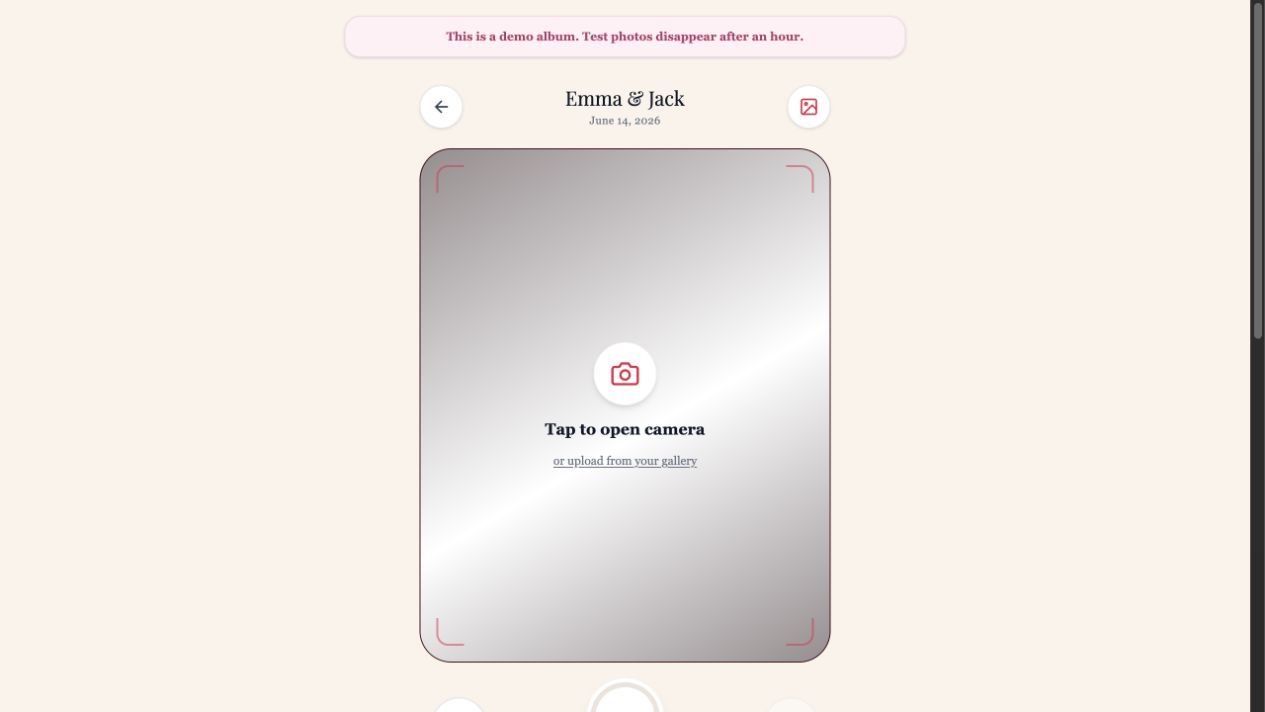
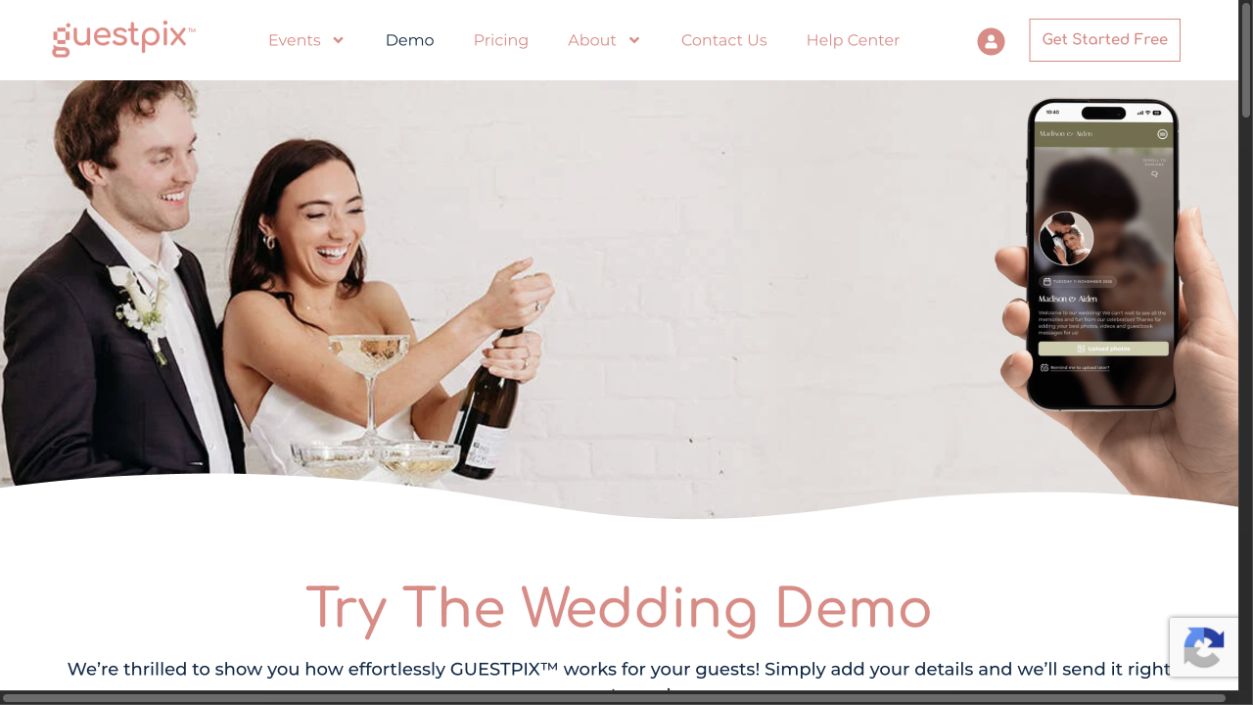
GUESTPIX's demo-request page displayed name and email fields plus a marketing-consent checkbox. We did not submit that form, so we do not report a guest upload tap count for GUESTPIX. A demo-request form is a separate flow from an invited wedding guest's actual link; it does not contradict the provider's no-registration guest claim.
WeddingPhoto App's sample preview illustrates collection with sample images. It does not upload a real file. We do not compare its simulated completion time against a competitor's real upload. A fair end-to-end benchmark would require the same phones, network, files and account settings, followed by verified exports.
A ten-minute test for the no-app claim
- Copy the exact guest link to an iPhone and an Android phone where you are not signed in as host.
- Open it from both the camera scanner and a message. Watch for an app-store detour or mandatory login.
- Select an existing picture and a short video. Keep the page open until both finish.
- Check whether the confirmation identifies successful and failed files.
- Reopen the link and inspect gallery access. A working upload should not accidentally expose photos you intended to keep hidden.
At the wedding, print a readable fallback link beside the code. For guests already reading your message on their phone, provide a clickable link so they do not have to scan their own screen. Compare broader package considerations in our wedding photo sharing app shortlist.
If you are choosing between a gallery, shared album and direct transfer rather than buying a product, use how to share wedding photos without an app. For a hosted collection with review before guest display, see WeddingPhoto App's guest gallery.
Make the ask easy
Collect the photos guests actually took.
Give guests one QR code, let them upload from the browser, and keep the gallery under your control. Photos, videos, late uploads, and one download when you are ready.
Learn more about WeddingPhoto App as a wedding photo sharing app for guests.
Our product details: features and limits · current plans. Corrections: support@folded.cloud.
Updated .