
Sharing guide
The best way to share wedding photos with guests and family
Choose a viewing method that fits your audience, their devices and whether they need original files.
Short answer
For most guest lists, share a reviewed private gallery by direct link: it is easy to open and keeps your full collection out of public social feeds. Choose a shared album if family should keep adding pictures, a cloud folder for original-file delivery, or a few direct attachments when someone only wants their favorite portraits.
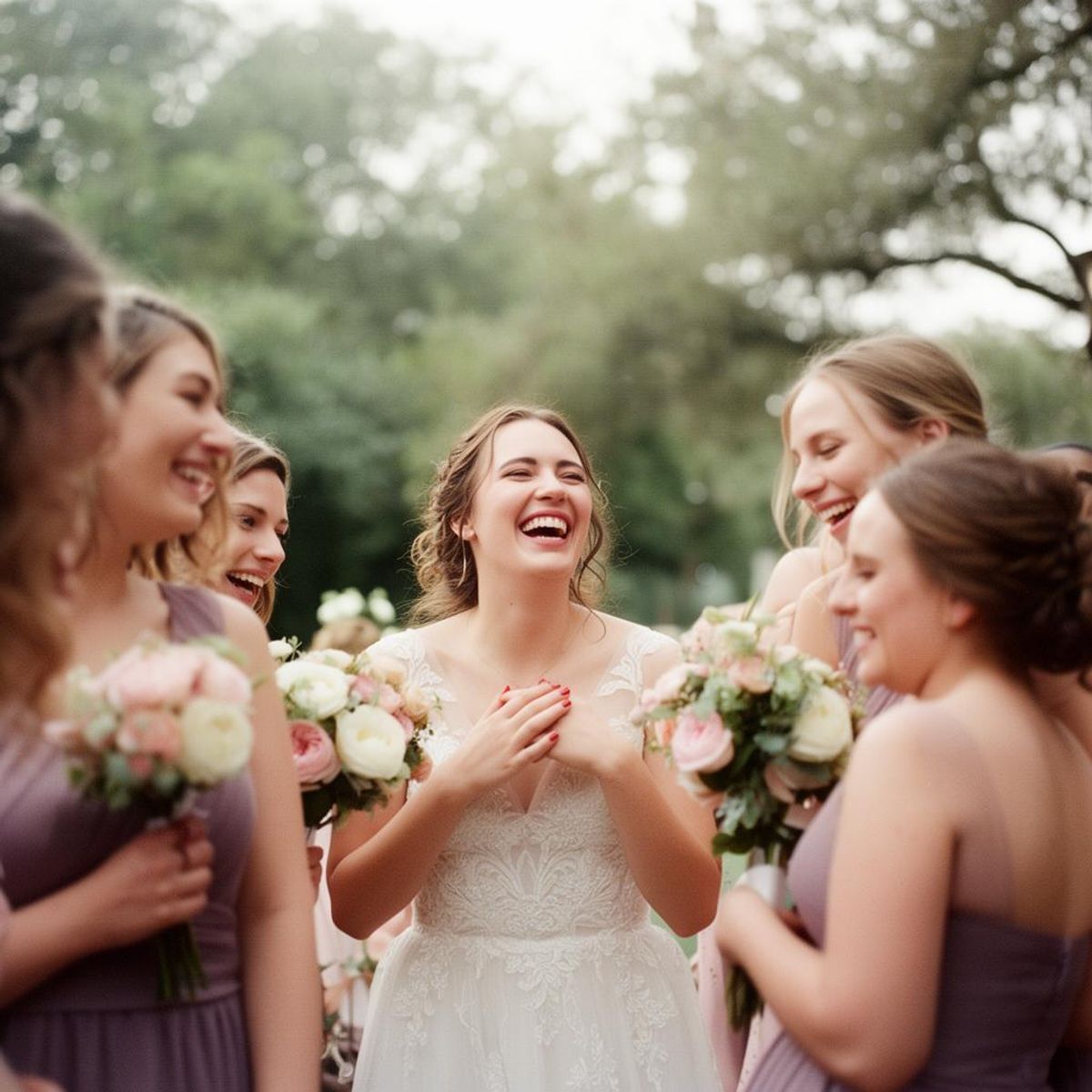
Match the sharing method to the job
| Your job | Useful approach | Check first |
|---|---|---|
| Let guests browse a finished selection | A private viewing gallery | Whether a forwarded link grants access and when viewing expires |
| Keep a family collection people can add to | A shared album | Contributor accounts, edit rights and who sees new additions |
| Deliver original files for someone to keep | A read-only cloud folder or download link | Recipient access, file quality and available download time |
| Send a few requested pictures to one relative | Direct attachments or a small private link | Message size and compression; send files as originals if needed |
| Post a few public highlights | A social post after agreeing what to share | Who is comfortable appearing publicly; keep your archive separately |
Choose a shared album when contribution should continue
A collaborative album suits a family that wants to add honeymoon or celebration pictures over time. Check whether everyone can use the chosen service and whether contributors can change other people's files. Our shared wedding album guide explains invitations, permissions and organization.
Still waiting for guests' pictures? Use the guest photo collection plan first. A viewing link and a contribution request ask people to do different things.
If you are sharing the final gallery
Use a private gallery link for viewing and a ZIP download for safekeeping. Keep public social posts separate from the archive you want to preserve.
In WeddingPhoto App, you can collect with guest viewing switched off, review submissions, and then make the gallery viewable to people with the event link. Guest downloading is a separate control. The product page explains those controls. Remove accidental or unwanted pictures before sharing and remember that anyone receiving the link may forward it.
Keep your photographer’s edited gallery distinct from guest uploads so family knows which collection they are opening. Follow the delivery and sharing terms you agreed with the photographer; an upload tool does not decide those permissions for you.
Choose a folder or direct link for file delivery
A folder is useful when relatives want originals to print or save, rather than a curated browsing experience. Give recipients viewing or downloading rights, not editing rights, unless collaboration is intentional. Test the link signed out of your account. The Google Drive guide explains its permission choices if that is the service your family already uses.
For someone who wants only three portraits, send those three files or a small download link. Say whether they are full-resolution originals and give any access deadline. Keep your own backup; delivering a link to family is not an archive strategy.
What to send after the wedding
Make the invitation describe what is ready to view, whether downloads are enabled and how long the link will work. For example:
Our wedding photos are ready! You can browse our favorites at [gallery link] and download the ones you would like to keep until [date]. Please keep the link within our guest group and ask before posting anyone else's portrait publicly.
Remove the download sentence if your gallery is view-only. For a public social post, choose a small set everyone pictured is comfortable sharing; do not include the private gallery link unless you intend to broaden its audience.
The best default
Send a private gallery link for browsing, with original-file downloads if your guests need them. Use a collaborative album only when continued contributions are part of the plan.
If that method fits, compare dedicated wedding photo sharing platformsby viewing controls and export. For a small family group, an existing shared album or a message with selected highlights may be enough; neither needs to become your only archive.
Make the ask easy
Collect the photos guests actually took.
Give guests one QR code, let them upload from the browser, and keep the gallery under your control. Photos, videos, late uploads, and one download when you are ready.
Learn more about WeddingPhoto App as a wedding photo sharing app for guests.
Updated .